There are two ways to upload your payment receipt:
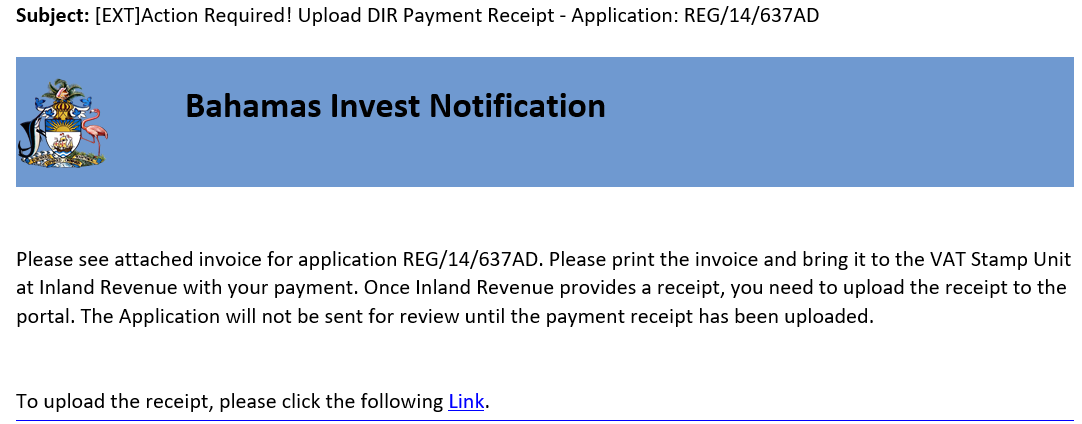
- You will receive an email with the DIR invoice and a link to upload the receipt. Click on the link to upload your payment receipt.
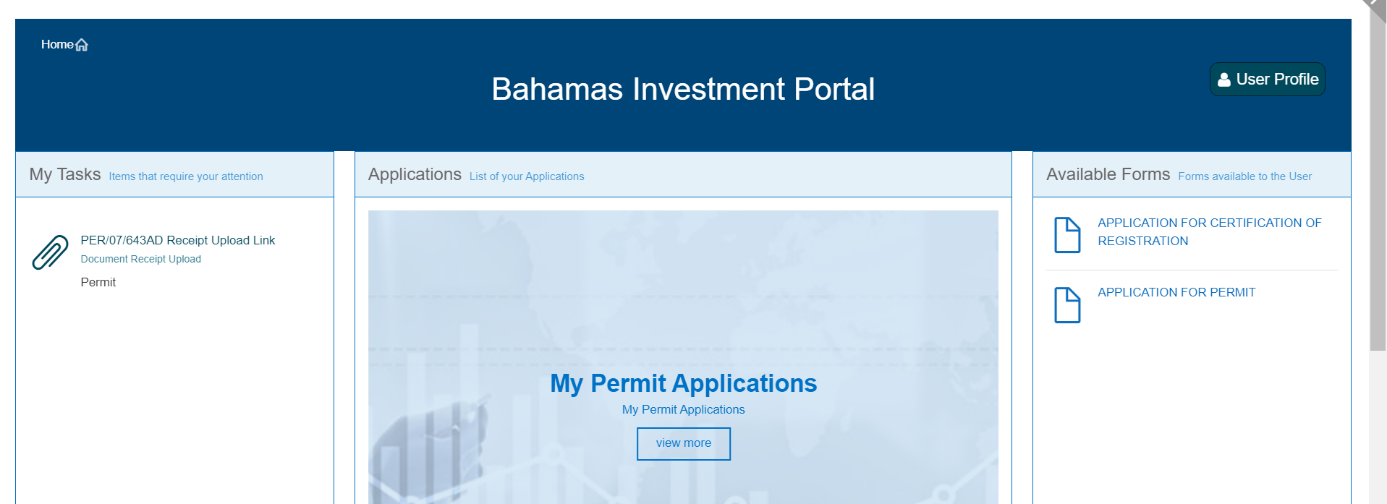
- Sign into your Bahamas Investment Portal and look for the task in your My Tasks panel. Click on the task to see the upload options. For certificates, you will only see the payment receipt field. For permits, you will be asked for multiple documents.