Submitting Payment for an Application within Your Organization
If you need to pay for an application submitted by another member of your organization:
- Navigate to the Bahamas Investment Portal and log in
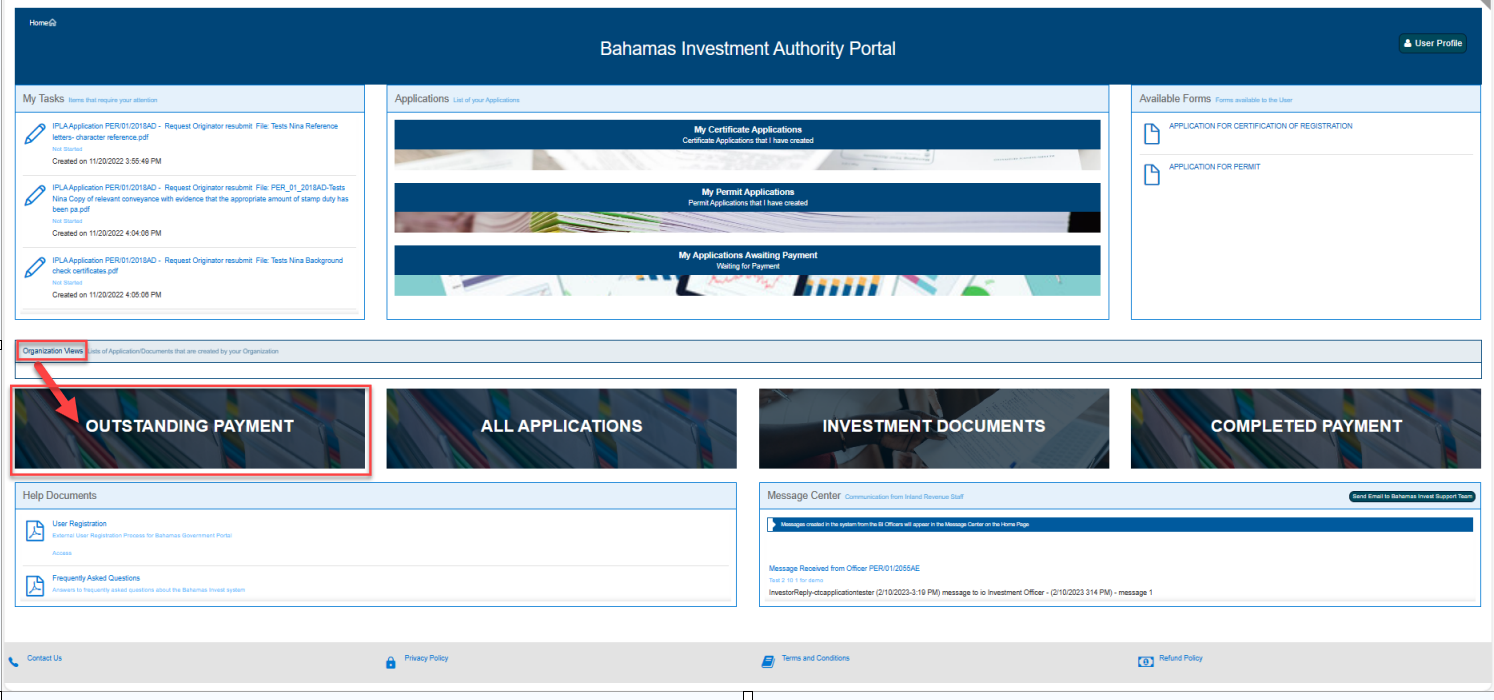
- In the panel below Organization Views, select Outstanding Payment
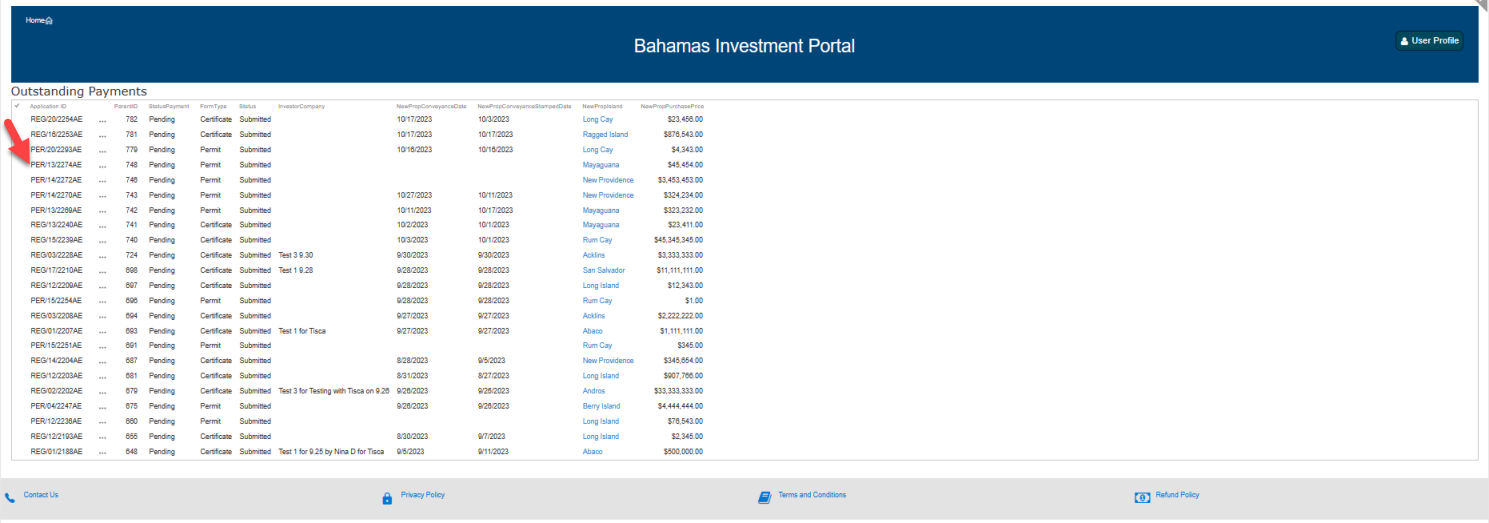
- Select the application to pay for
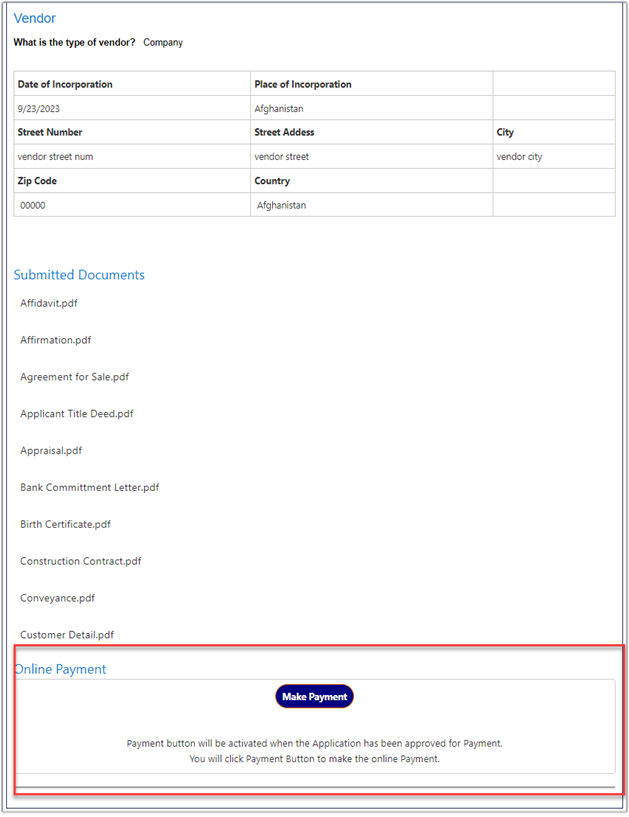
- Scroll down to Online Payment
- Click Make Payment
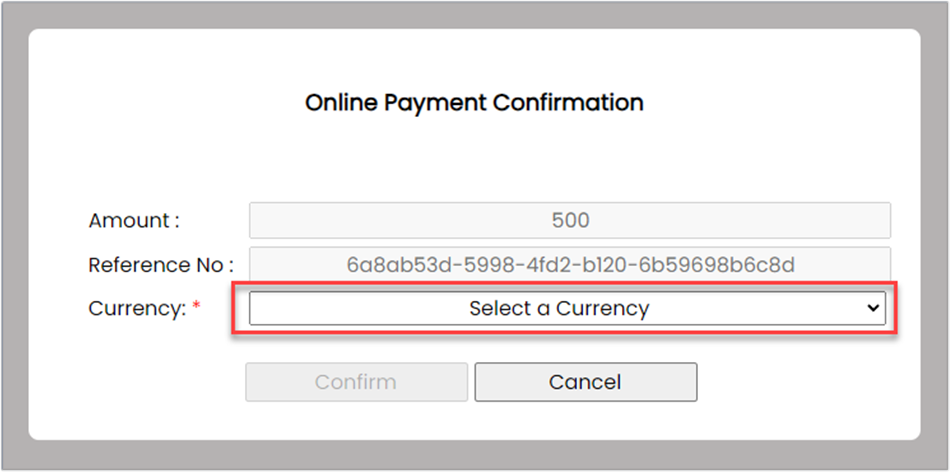
- Select BSD currency and click Confirm
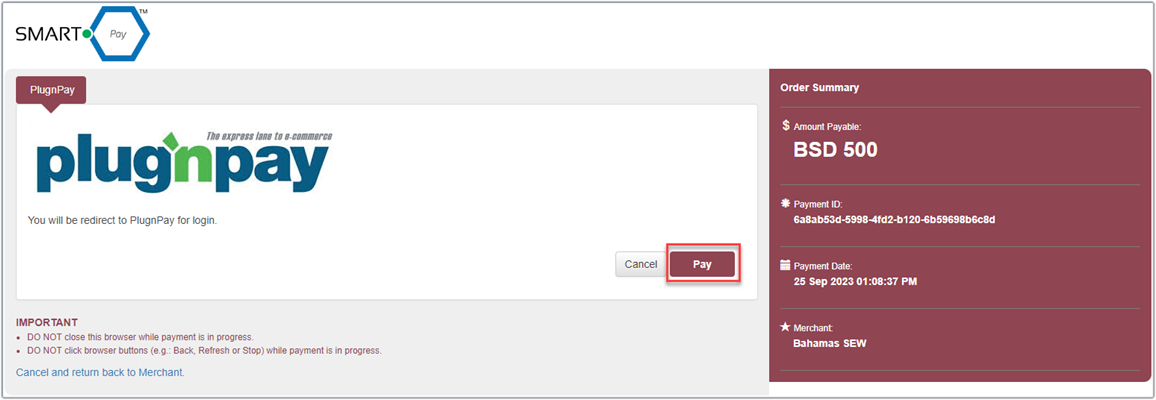
- On the SmartPay/PlugnPay screen, select Pay
- Enter billing information and submit payment
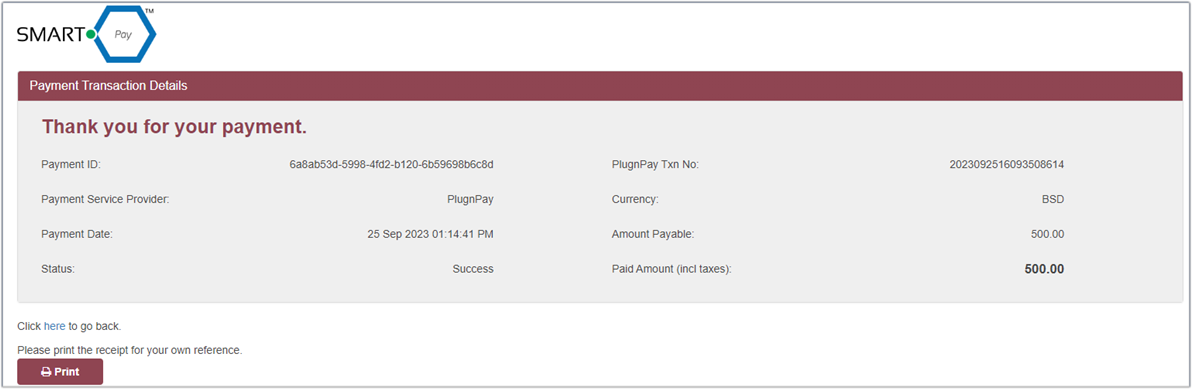
- Print the receipt for your records
- After 3-4 minutes, verify the payment was registered
Important: Do not attempt another payment if the button is not immediately grayed out.