Before you start
These steps work for both Public and Staff VAT Stamp users. Sign in to VAT Stamp before you start.
Use this path when you need technical support for VAT Stamp. If you need to ask about a case you can access, use case messages instead.
Open the Help Centre
-
Find the circled question-mark icon at the far right of the VAT Stamp header. It appears immediately before your user avatar.
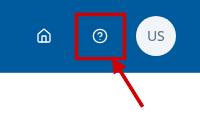
- Select the question-mark icon.
- Go to the new browser tab. The external Help Centre opens at How can we help you?
Choose a support path
Choose the option that matches what you need:
- Select Submit a Ticket to open the form for a new support request. The form asks for Your name, Email address, Subject, and How can we help?
- Select My Tickets to open access for an existing support request. The page asks for an Email address and describes a single-use sign-in link that expires after 15 minutes.
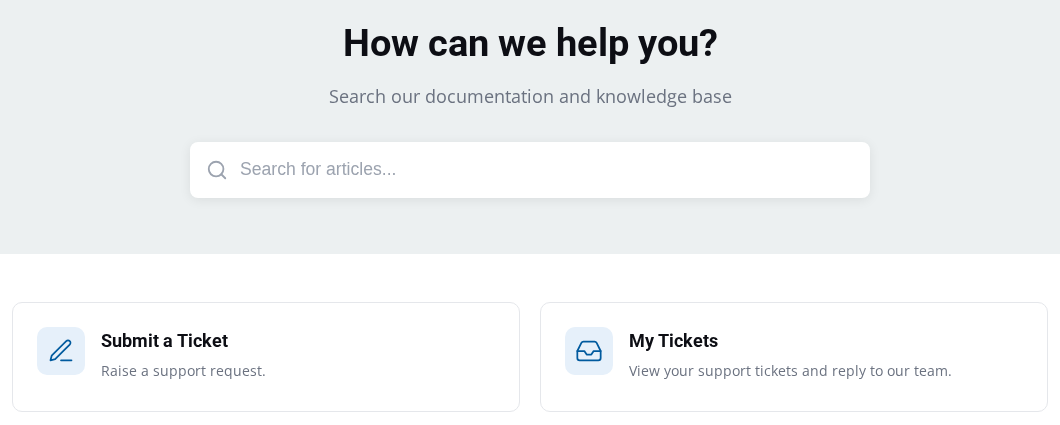
Stop at the page for the option you chose. This guide does not cover sending a ticket, requesting a sign-in link, or managing a ticket after that point.
Choose the right kind of help
For a question about a VAT Stamp case you can access, use the case-message guide for your audience:
- Public users: Find and send case messages
- Staff users: Find and send case messages
Open chat starts the separate chatbot. It does not open a support ticket.
Contact Us gives Department of Inland Revenue contact information. It is not the support-ticket path.
What happens next
The Help Centre shows the entry page for the option you selected. Follow that page only when you are ready to continue with the new or existing support request.