Handling Returned Documents
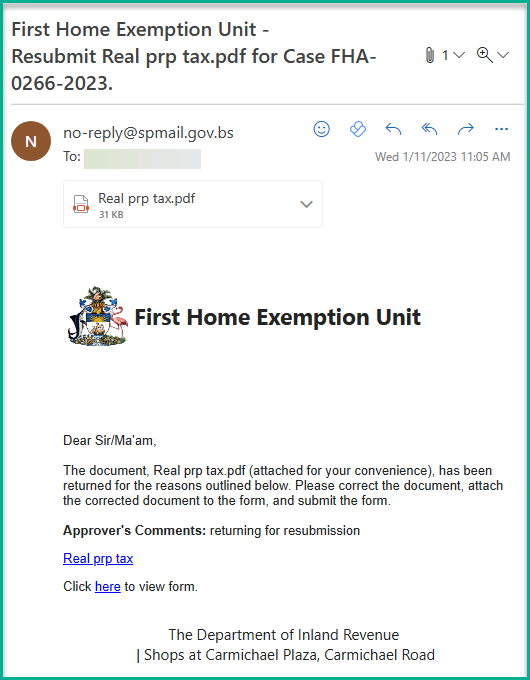
During the review process, an officer may return documents with concerns that need to be addressed.
Important: You must correct and resubmit within 30 days or your application will be denied and your future First Home Exemption claim may be forfeited.
To Resubmit
- Navigate to the portal and log in
- Find the returned document under My Tasks
- Review the officer's comments carefully
- Upload the corrected document (PDF format)
- Select Complete and click Submit
You will receive an email similar to the one below when a document is returned: