Completing the Application Form
Fill out each section of the application form carefully:
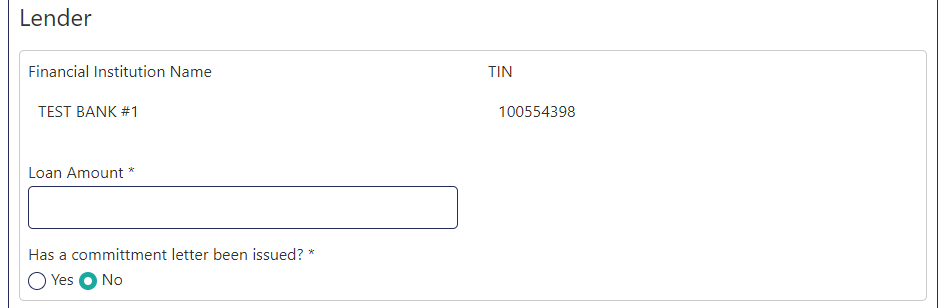
1. Lender Information
In the Lender section, enter the Loan Amount. The Financial Institution Name and TIN are automatically populated from your registration.
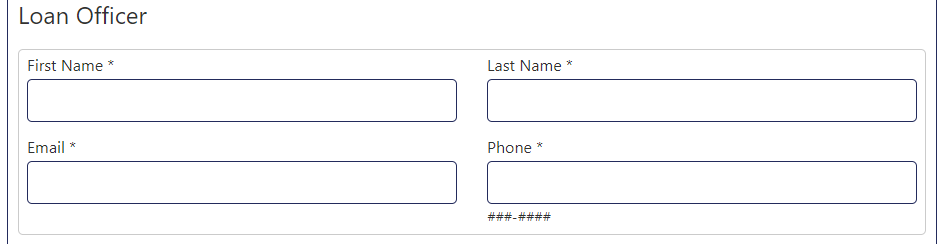
2. Loan Officer Details
In the Loan Officer section, enter the officer's first name, last name, email, and phone number.
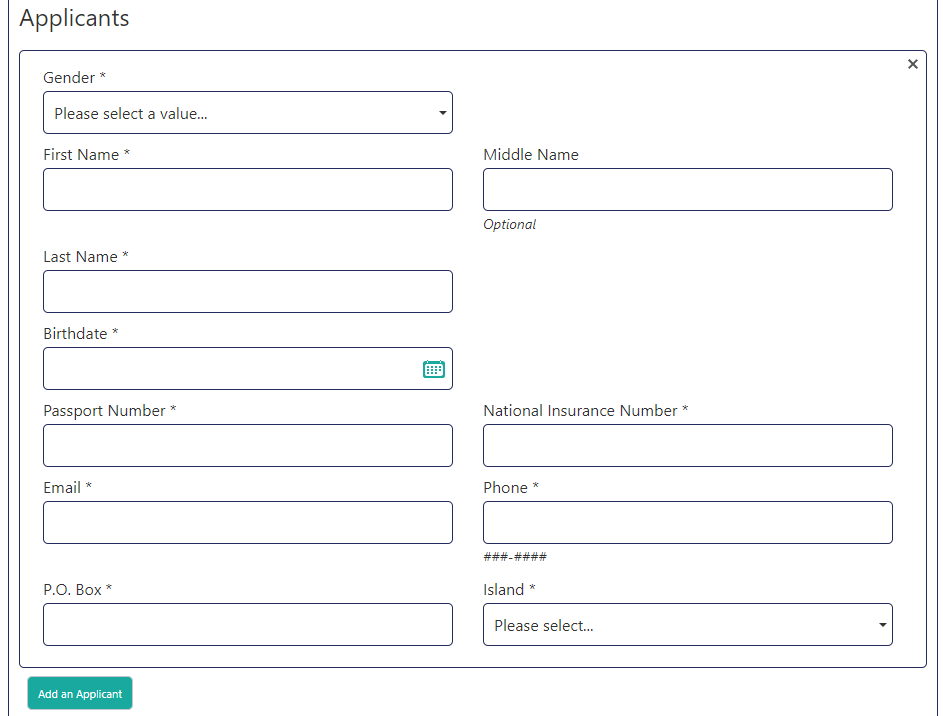
3. Applicant Information
Enter all required applicant details. Click Add an Applicant to add a second applicant if needed.
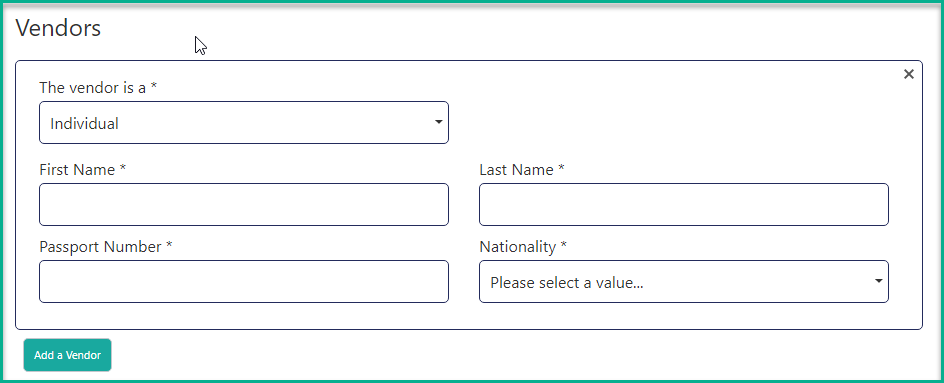
4. Vendor Information
Select the vendor type from the dropdown (individual or company) and provide the requested information. Click Add a Vendor to add additional vendors.
5. Property Details
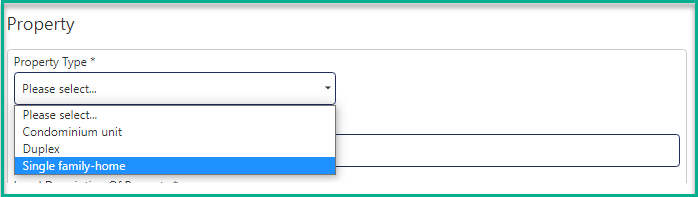
Under Property Type, select whether the property is a condominium, single family home, or duplex.
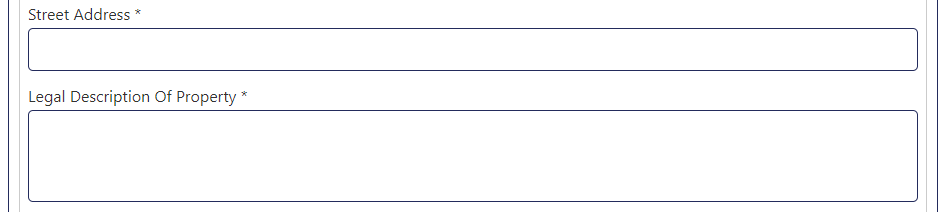
Enter the street address and legal description of the property.
If the property is a gift, select yes for "Is the property a gift?" and enter the fair market value.

Enter the sale price and construction cost as applicable.

Enter any additional notes relevant to your application.
