Managing Your Profile
To change your password or update your profile information:
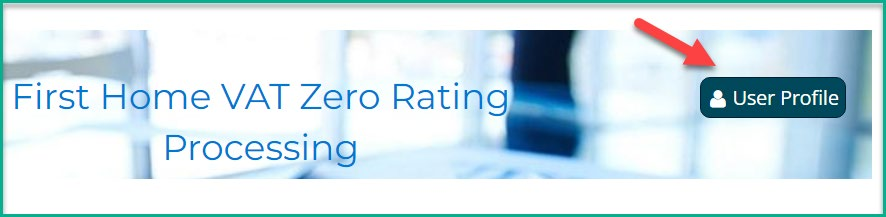
1. Click the User Profile icon in the top right of the navigation bar.
2. Enter your current password, then your new password, and confirm it.
3. Click Change Password to save.