Required Documents
All documents must be in PDF format.
For each required document:
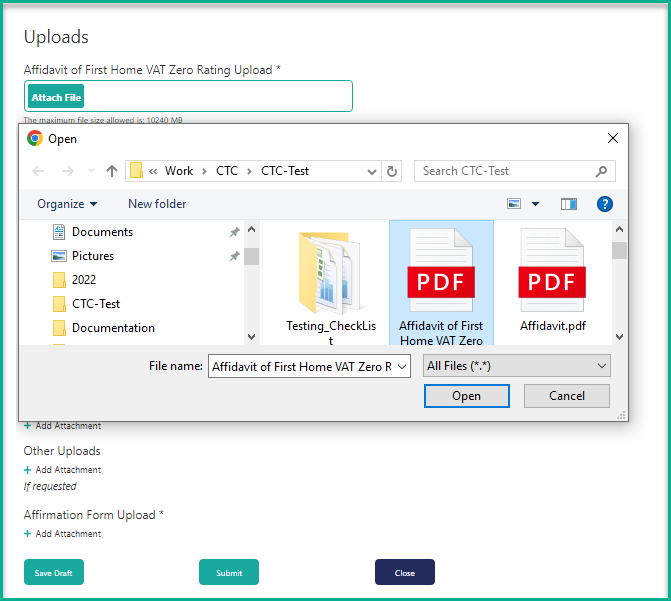
- Click Attach File
- Select the file from your PC
- Click Open to attach the file
Once all documents are attached, click Submit to submit your application, or Save Draft to save and continue later.